Table of Contents
Which One Actually Grows Your Channel
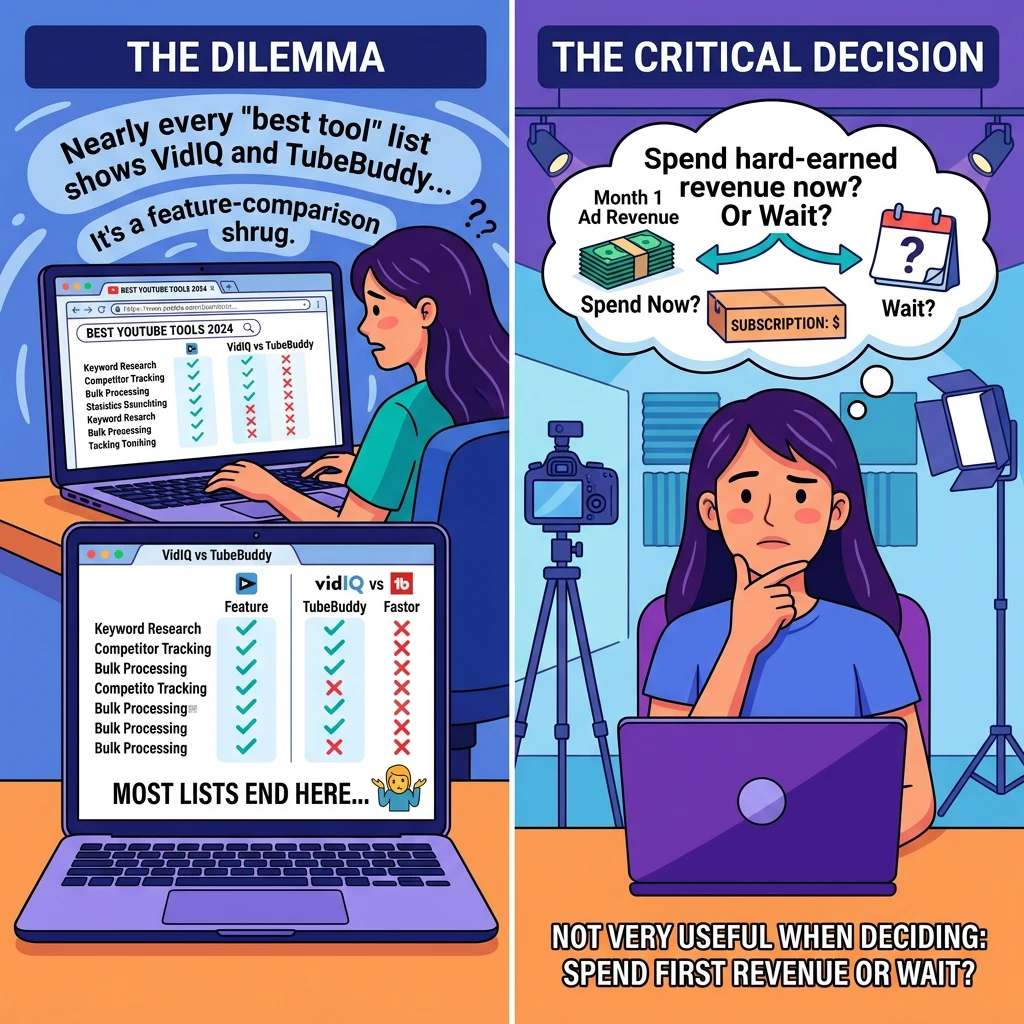
VidIQ and TubeBuddy show up in nearly every “best tool” list a creator reads, and most of those lists stop at a feature comparison chart and a shrug. That is not very useful when you are trying to decide whether to spend your first month’s ad revenue on a subscription or wait. This piece skips the survey approach and tests both tools against three real situations: a brand-new channel with no subscribers, a growing channel trying to break into search traffic, and an established creator who already has an audience but wants more of it coming from YouTube search rather than suggested videos.
Both tools do similar jobs on paper. In practice, they are built around different ideas of what a creator needs most, and that difference matters more than any individual feature.
What VidIQ and TubeBuddy are actually built to do differently
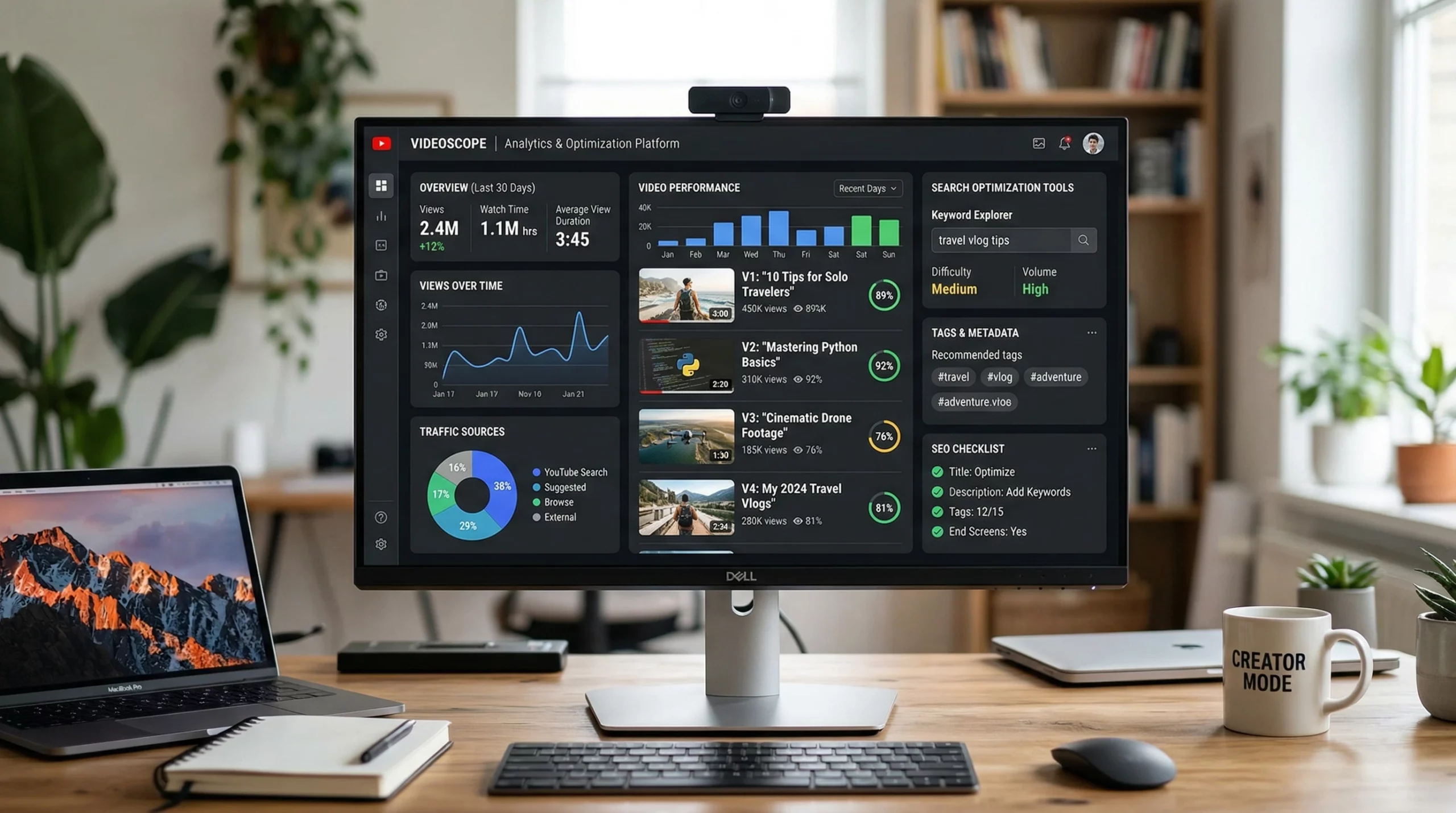
VidIQ leans hard into data and scoring. Its dashboard is full of numbers: a keyword score, a competition score, a “Daily Ideas” feed built from trending searches in your niche. It wants to be the analyst that tells you what to make and when to publish it.
TubeBuddy leans into workflow. Its bulk-processing tools, tagging templates, and in-browser editing of titles and thumbnails are built for someone who already knows roughly what they want to upload and just wants to do it faster and with fewer clicks between the idea and the published video.
Neither approach is wrong. A new creator with no content history often needs the analyst more than the workflow tool, because the question isn’t “how do I publish faster” but “what do I even make.” A creator publishing three times a week with a backlog of fifty videos benefits more from shaving two minutes off every upload than from one more keyword suggestion.
Keyword research and scoring… Which tool finds terms you can realistically rank for
VidIQ’s keyword score is its signature feature, and it is genuinely useful for a first pass. Type in a phrase and it returns a score out of 100 blending search volume and competition, plus related terms you might not have considered. For a channel with low domain authority, this matters more than raw volume. A term with modest searches and a VidIQ score in the 70s or 80s is often a better target than a high-volume term dominated by channels with ten times your subscriber count.
TubeBuddy’s keyword explorer works on a similar principle but presents it differently, with separate search volume and competition ratings rather than one blended number. Some creators prefer that because it lets them decide their own risk tolerance rather than trusting a single composite score. If you want a quick answer, VidIQ’s single number is faster to act on. If you want to understand why a term is rated the way it is, TubeBuddy’s breakdown gives you more to work with.
Neither tool replaces understanding what people actually type into YouTube search when they are at your stage of frustration or curiosity, and that is worth reading up on separately if keyword research is new to you.
Thumbnail and title testing? TubeBuddy’s A/B split versus VidIQ’s AI suggestions
This is where the two products diverge most sharply. TubeBuddy runs genuine A/B split tests: it rotates two thumbnail or title variants across real viewers and reports which one earned more clicks, based on actual impressions data from your channel. That is a controlled experiment, not a guess, and it is the closest thing to scientific testing either tool offers.
VidIQ instead gives you AI-generated suggestions and a “thumbnail score” that estimates how a thumbnail will likely perform based on contrast, text placement, and face detection, compared against patterns from high-performing videos in similar niches. It is a prediction rather than a test. Useful for catching an obvious mistake like washed-out colors or illegible text, but it is not telling you what your specific audience actually clicked.
If thumbnail and title performance is the main thing you’re trying to improve, TubeBuddy’s split testing produces a verifiable answer. VidIQ’s suggestions are a reasonable starting point when you have no data yet, but they stop being as valuable once you have enough views to test for real.
Competitor tracking and channel audits side by side
Both tools let you watch competitor channels, but they do it with different depth. VidIQ’s competitor tracking shows you which of their videos are gaining the fastest momentum and flags new uploads, which is handy for spotting a format that is suddenly working for someone else in your niche before it saturates.
TubeBuddy’s audit tools lean more toward your own channel’s health: it checks your tags, your upload consistency, your use of cards and end screens, and flags gaps against best practice. Think of VidIQ’s competitor view as outward-facing intelligence and TubeBuddy’s audit as an inward-facing checklist.
An established creator chasing search traffic benefits from both angles at once, since you need to know what’s ranking above you and whether your own channel has any easy fixes sitting unaddressed. A brand-new channel with no competitors worth tracking yet gets more immediate value from the audit side, simply because there’s more low-hanging fruit to fix on a channel that’s only a few videos old.
Pricing tiers in 2027 and what you get at each level
Both companies still run a free tier plus paid plans, and the free tiers are where most beginners should start regardless of which tool they eventually pick.
VidIQ’s free plan gives you basic keyword scores and limited daily video ideas. Its paid tiers unlock deeper keyword data, the full competitor tracking suite, and AI-generated title and description suggestions, with the higher tier adding bulk channel audits and more generous AI usage limits. The jump between tiers is mostly about how much data and how many AI credits you get per month rather than unlocking entirely new categories of feature.
TubeBuddy’s free plan covers basic tagging and a handful of productivity tools. Its paid tiers add the A/B testing suite, bulk processing across your whole upload history, and the keyword explorer, with the top tier adding more advanced competitor comparisons. TubeBuddy’s pricing tends to reward channels with a large backlog of existing videos, since bulk tools scale in value with how many uploads you already have to manage.
Neither company publishes prices worth repeating here since both adjust tiers and bundles often enough that a specific number in this article would be out of date by the time you read it. Check each tool’s own pricing page before you commit, and pay attention to whether a tier is billed monthly or annually, since the annual discount is usually the only real saving on offer.
Which tool fits a brand-new vlogger with zero subscribers
If you have no videos published yet, or only one or two, start with VidIQ’s free tier. The keyword scoring helps you choose a first topic that has a realistic chance of surfacing in search, which matters enormously when you have no subscriber base and no algorithm favor to lean on yet. Suggested video traffic is largely closed to a brand-new channel; search traffic is the door that’s actually open.
Resist the urge to pay for anything at this stage. A channel with five videos doesn’t have enough data for A/B testing to mean much, and TubeBuddy’s bulk tools have nothing to bulk process yet. Spend the time on research and publishing consistency instead, and revisit paid tools once you have a few months of upload history.
Which tool fits a growing channel chasing search traffic
Once you have a steady upload schedule and some videos showing up in search results, the calculation changes. This is the stage where TubeBuddy’s A/B testing starts paying for itself, because you finally have enough impressions for a split test to produce a meaningful result rather than noise. Run it on thumbnails first; a title you’ve already validated through keyword scoring is less likely to need testing than the image sitting next to it in the results.
VidIQ’s competitor tracking also becomes more valuable here, since you now have direct competitors worth watching rather than an undefined field. A channel at this stage benefits from both tools’ paid tiers more than either stage above or below it, which is the honest reason many creators end up running both at once rather than picking a side.
If you want a wider view of what else sits in this category beyond these two, the best video SEO software roundup covers the broader market if VidIQ and TubeBuddy aren’t the only two options you’re weighing.
Our pick, and when it makes sense to run both
For a brand-new vlogger, VidIQ’s free tier is the stronger starting point because keyword scoring solves the problem you actually have: deciding what to make. For a growing channel with real view data to test against, TubeBuddy’s A/B suite earns its subscription cost in a way VidIQ’s predictive thumbnail score can’t quite match. For an established creator chasing more search traffic on top of an existing audience, running both at their paid tiers is defensible, since you’re using VidIQ for outward-facing competitor intelligence and TubeBuddy for inward-facing testing and workflow, and neither one fully replaces the other at that scale.
Special note for members on the WA platform: Before you commit to either subscription, run your next video title and tags through the Hub’s own ranking GPT for a free second opinion. You may not need to pay for a tool yet.
Keep Exploring V-Rank
Creating a great video is only part of the journey. Getting it discovered, watched, and ranked is the next challenge.
V-Rank brings together practical guides, tools, and resources for improving video visibility—from video creation and SEO to platform algorithms, audience engagement, and ranking strategies.
New to video ranking?
Start with the Starter guides and build the fundamentals step by step.
Already know the basics?
Explore Advanced strategies for improving visibility, engagement, and performance.
Looking for deeper insights?
Visit the Expert section for more detailed ranking strategies and analysis.
Or browse the Latest Blogs to see what’s new on V-Rank.
Keep Learning. Keep Testing. Keep Ranking.
Video platforms change. Algorithms evolve. Tools come and go.
The goal of V-Rank is to help you understand what matters, test what works, and make better decisions about getting your videos discovered.
Wishing you the best of luck in achieving the top position!
First steps as a vlogger?
Visit Vlogsuite with tips and tools for vloggers
May you soar to rank #1 and celebrate your success with joy and excitement! 🚀 🏆🎉
Good luck ✨
Learn how to monetize your own website and sign up for free
This is an affiliate link to a tested platform that’s great for beginners who want to learn web development.
And make your own images