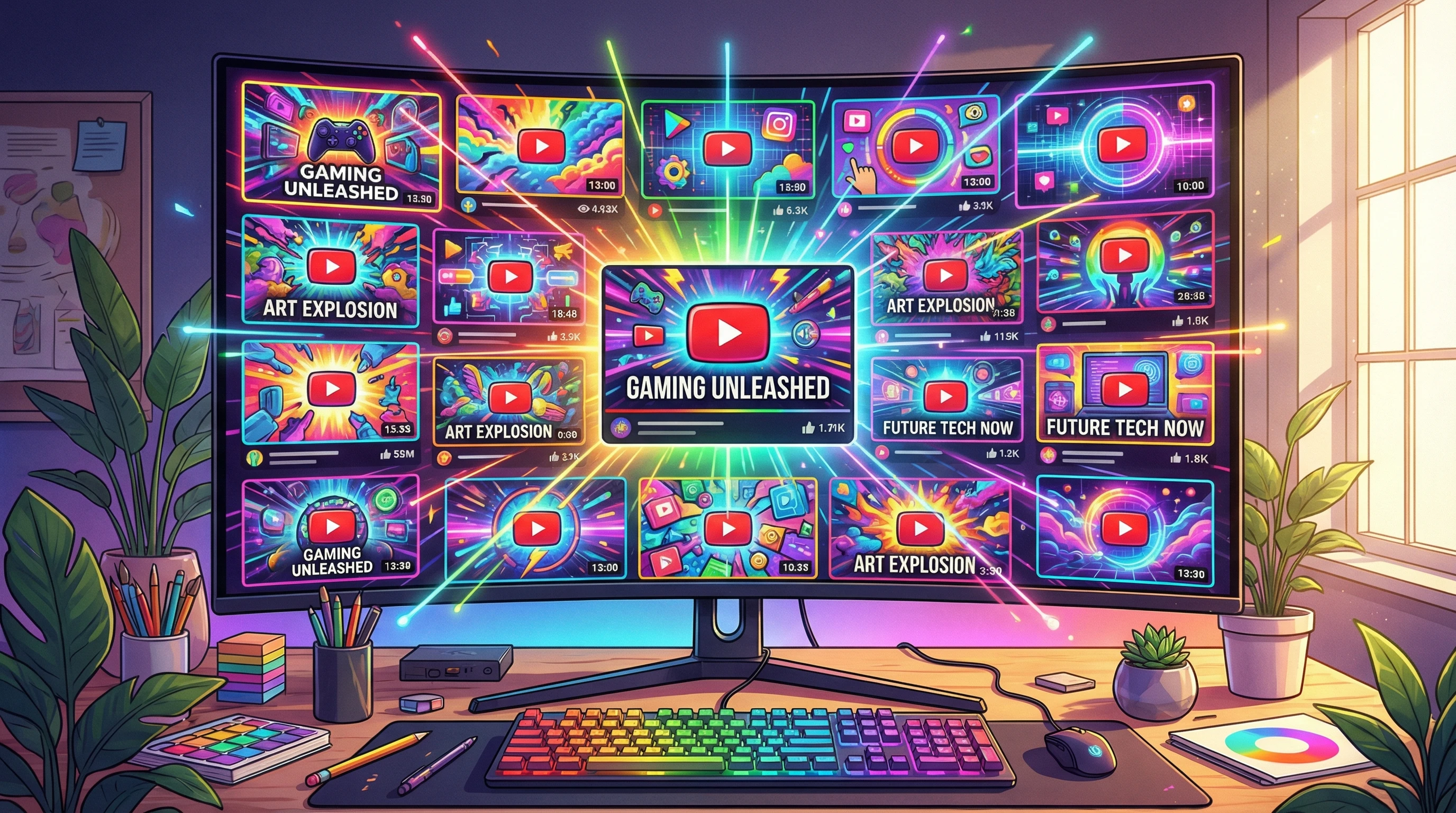
 Video thumbnails and titles have a big impact on whether people click through to see your content. I’ve spent way too much time tweaking both to know just how much small changes matter. If you want your videos to stand out on YouTube or social media, it’s really important to get this right. A bold thumbnail paired with a catchy title can boost your views and get your content noticed. On the other hand, a bland or confusing combo usually means people scroll right past.
Table of Contents
Checklist For Creating Engaging Video Thumbnails And Titles
It’s easy to think a thumbnail is just a quick screenshot, or that titles are just a place to write whatever pops into your head. But a thoughtful approach makes a huge difference: it tells potential viewers your video is worth watching. This checklist covers everything that consistently helps my videos get more clicks and more watch time, even in busy feeds. I’ve found that applying just a few of these tips can often double click-through rates and vastly improve first impressions. Some of my top-performing videos only took off after a simple change of thumbnail and a slightly improved title!
Ready to give your video’s appeal a boost? Here’s how to make thumbnails and titles that get attention and spark curiosity from viewers. Let’s jump in and break down the steps that lead to eye-catching results!
Pin Down Your Video’s Core Message
You can’t make a great thumbnail or write a strong title if you aren’t totally sure what your video is about. Clarity is key. I like to ask myself these questions every time I’m about to upload. Really thinking through these helps nail your value proposition right away.
Questions That Help You Clarify:
- What’s the single most interesting moment, idea, or claim in my video?
- Who is my video for, and what do they care about most?
- What emotion or reaction do I want people to feel before they click?
Example Core Ideas:
- Showing a surprising life hack
- Revealing a before-and-after transformation
- Sharing a funny or dramatic personal story
Once I know the focus, everything about the thumbnail and title becomes easier and more effective. Picking the main hook or message up front saves a ton of time in the editing process later.
Design Thumbnails That Grab Attention
Thumbnails need to pop, even on tiny mobile screens. A messy, cluttered image blends right in, but a clear and colorful one stands out. These elements are always at the top of my checklist. Even when it feels tempting to go over the top with effects, I stick to these basics for better results.
Thumbnail Best Practices:
- High Contrast Colors: Bold, contrasting colors stand out. Bright backgrounds or pops of red, yellow, or neon seem to work especially well.
- Simple, Clear Image: Focus on a single subject or moment. Too many details make it hard to figure out what’s happening.
- Big, Readable Faces or Icons: When people or products are in thumbnails, I always zoom in. Microexpressions or iconic objects (like a giant red arrow or shocked emoji) also help.
- Consistent Style: Using the same font, color palette, or layout helps your channel look professional and recognizable.
Pro Tips:
- Test your thumbnail at a small size; if it’s confusing or blurry, it’s time to simplify.
- Add a splash of curiosity: Show just enough of what’s happening to make people wonder what happens next.
Thumbnails are a good spot to play with fun visuals, strong facial reactions, or bold icons. When in doubt, keeping it clean and bold is always a safe bet. I usually avoid putting lots of text in them because it gets lost, especially on phones. Think of your thumbnail as the billboard for your video—a quick, punchy snapshot of what’s inside.
Create Click-Worthy Titles Without Being Clickbaity
The title does half the work of convincing someone to click. The goal is to make it irresistible without tricking people. Here’s what usually works well for me. It’s all about striking a balance between accuracy and intrigue—viewers should feel excited but not misled.
Checklist for Strong Titles:
- Be Clear About What’s Inside: Let people know exactly what they’ll get by watching. Ambiguous or vague titles are easy to scroll past.
- Add Curiosity or Urgency: Tease a solution, a reveal, or a question that begs to be answered. For example, “You Won’t Believe What Happened Next” works better if it’s more specific and honest.
- Use Keywords Naturally: Drop in search terms so your video shows up for the right audience, but always make sure it still reads like a sentence a real person would say.
- Avoid All Caps and Excessive Punctuation: SHOUTING LOOKS SPAMMY. People scroll right by.
Examples That Work:
- “How I Saved $1,000 in 30 Days. And You Can Too”
- “The Secret Ingredient You Need for Perfect Pancakes”
- “Rebuilding My Desk Setup: The Results Surprised Me”
Search-friendly titles help people find you, but real emotions and honest intrigue are what get your content clicked. My best advice: write a few rough ideas, sleep on them, then pick the catchiest option the next day.
Avoid Common Thumbnail and Title Mistakes
Even experts slip up sometimes, so it’s always good to double-check for these very common issues. Building the habit of a quick review before uploading can keep your channel looking sharp and trustworthy.
- Too Much Text in Thumbnails: Most people won’t read it, so stick to one or two words if any.
- Stock Images That Look Generic: Use custom graphics or your own stills whenever possible. Authenticity wins.
- Misleading Titles: Nothing frustrates viewers more than a title that promises one thing but the video delivers something completely different.
- Tiny Faces or Subject: Viewers need to recognize what they’re seeing quickly, so zoom in for clarity.
- Forgetting Mobile Users: Over 70 percent of video views are on phones, so always make sure your thumbnail looks good on a small screen.
Checking for these pitfalls before you upload saves a lot of headaches later, and keeps viewers happy. Always prioritize building trust with your audience.
Optimize for Search and Algorithm Love
Thumbnails and titles aren’t just for human eyes. Platforms like YouTube and TikTok use them to decide where to promote your content. Here’s what I always keep in mind. Think of it as giving both people and algorithms what they want at the same time.
- Use Your Main Keyword Early: Start your title with the terms viewers are searching for (like “Easy Vegan Recipes” or “Gaming PC Build Tips”).
- Match the Thumbnail to the Title: If your thumbnail is about a pancake recipe, don’t tease a plate of donuts. Keeping them in sync lowers bounce rates.
- Experiment and Check Analytics: Try different titles and thumbnail options, then see which ones get higher clickthrough rates in analytics. Sometimes a minor switch can have a surprising impact.
Search-friendly, consistent visuals help your videos connect with the right crowd, and platforms like YouTube reward that clarity. Don’t be afraid to tweak and test for better performance.
Extra Tips for Eye-Catching Thumbnails and Titles
- Draft Multiple Options: Don’t settle for the first idea. I make three or four thumbnails and titles, then compare them side by side.
- Watch Competitors: See what’s popular and performing well in your niche. There’s nothing wrong with taking inspiration and putting your own spin on it.
- Add Branding: A small watermark, consistent logo, or color palette helps your videos become recognizable fast.
- Ask for Feedback: Before publishing, I show my thumbnails and titles to friends or other creators and get honest reactions. Outside opinions usually spot things I miss.
- Update Underperforming Content: Freshening up old thumbnails and titles is one of my favorite ways to breathe new life into content that never quite took off.
Staying flexible and always learning from your results is the easiest way to keep improving. A few tweaks here and there really do add up over time. Experimenting is not just helpful—it’s essential if you want to stay ahead of trends.
Common Questions & Troubleshooting
What’s the ideal thumbnail size?
On YouTube, I use 1280 x 720 pixels (16:9 ratio). Make sure it looks sharp even at small sizes. For other platforms, check their recommended sizes so your images never look pixelated.
Should I use my face in every thumbnail?
Thumbnails with expressive faces often get more clicks, but it’s not required. For tutorials or product reviews, sometimes showing the main object works better. Testing different styles helps you find what your audience prefers. If you’re building a personal brand, showing your face regularly can help viewers recognize you faster.
Is it okay to change a thumbnail or title after uploading?
Absolutely. If your video isn’t getting clicks, swapping in a new thumbnail or testing a fresh title can help turn things around. Just keep the core message aligned so you don’t confuse returning viewers. Try not to change them too often though; allow each version time to collect enough data.
Your Action Plan for Thumbnails and Titles
- Pin down the video’s core message or hook before you do any design or writing.
- Design a bold, readable thumbnail with high contrast and clear visuals.
- Write several title options, picking the one that balances honesty, curiosity, and keywords.
- Double-check on mobile to make sure everything stands out and grabs attention.
Now you’re set to make your next video’s first impression a whole lot stronger. Try this checklist on your upcoming uploads and watch what happens with your view counts! Remember, attention to small details in thumbnails and titles can give every upload a real boost and help your videos reach a bigger audience over time.
Get in touch
For optimal video SEO, it is crucial to strike a harmonious equilibrium and execute tactics that correspond to your unique content and intended viewership. Don’t hesitate to contact us for a customized estimate and elevate your video content to unprecedented levels of accomplishment.
First steps as a vlogger?
Visit Vlogsuite with tips and tools for vloggers
Wishing you the best of luck in achieving the top position!
May you soar to rank #1 and celebrate your success with joy and excitement! 🚀 🏆🎉
Good luck ✨